Do this to find out if the file has a virus
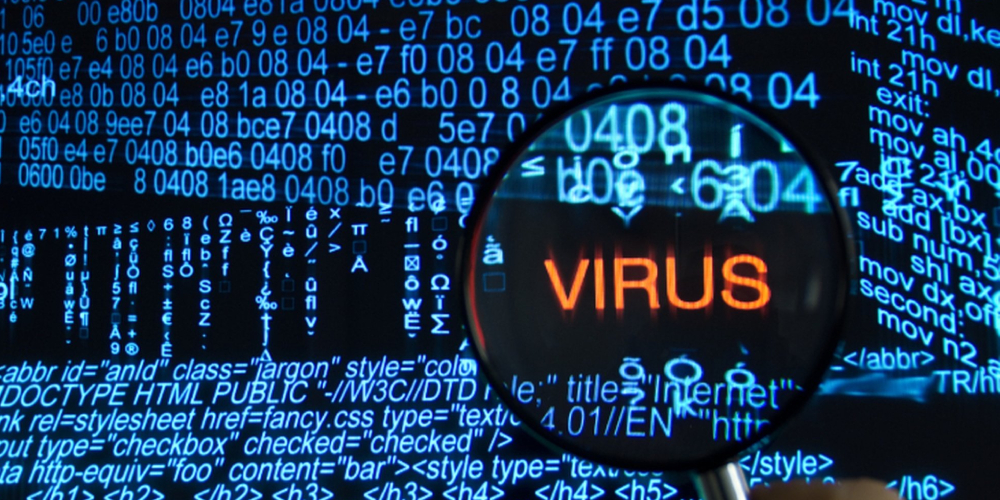
You may have downloaded files or software from the Internet. How to make sure the files or software you download don’t have viruses

If you have an anti-virus on your computer, it will know to some extent. But some viruses are not detected even by antivirus. Today we are giving information about it.
The first way is to go to any search engine and At VirusTotal.com go on At Virus Total you have three options.
One file another URL and similarly another search. If you want to know if there is a virus in the file, first go to the virus total file, then go to Choose File, select the file and scan it.
If someone has scanned that file before that, you can go to reanalyze and scan it. Then you will see a report. If there is a detection result of zero, then the file does not have a virus.
If there is a virus, it shows a number other than zero. If there is a virus in that file, you can see which virus it is.
Images mentioned above related to are either copyright property of ICT-Samachar or respective image owners.